How to make a shop

How to make a shop
How to make a shop

Hello, everyone! Welcome to this guide. I will show you how to create your own shops and use the new currency system on our server.

To establish shops, you may use any storage block (such as chests, barrels, shulker boxes, etc.) from any mod. However, avoid using storage blocks that can’t be opened, like the Vault from the Create mod. Also, do not use blocks like Drawers, as people can remove items from them without paying.
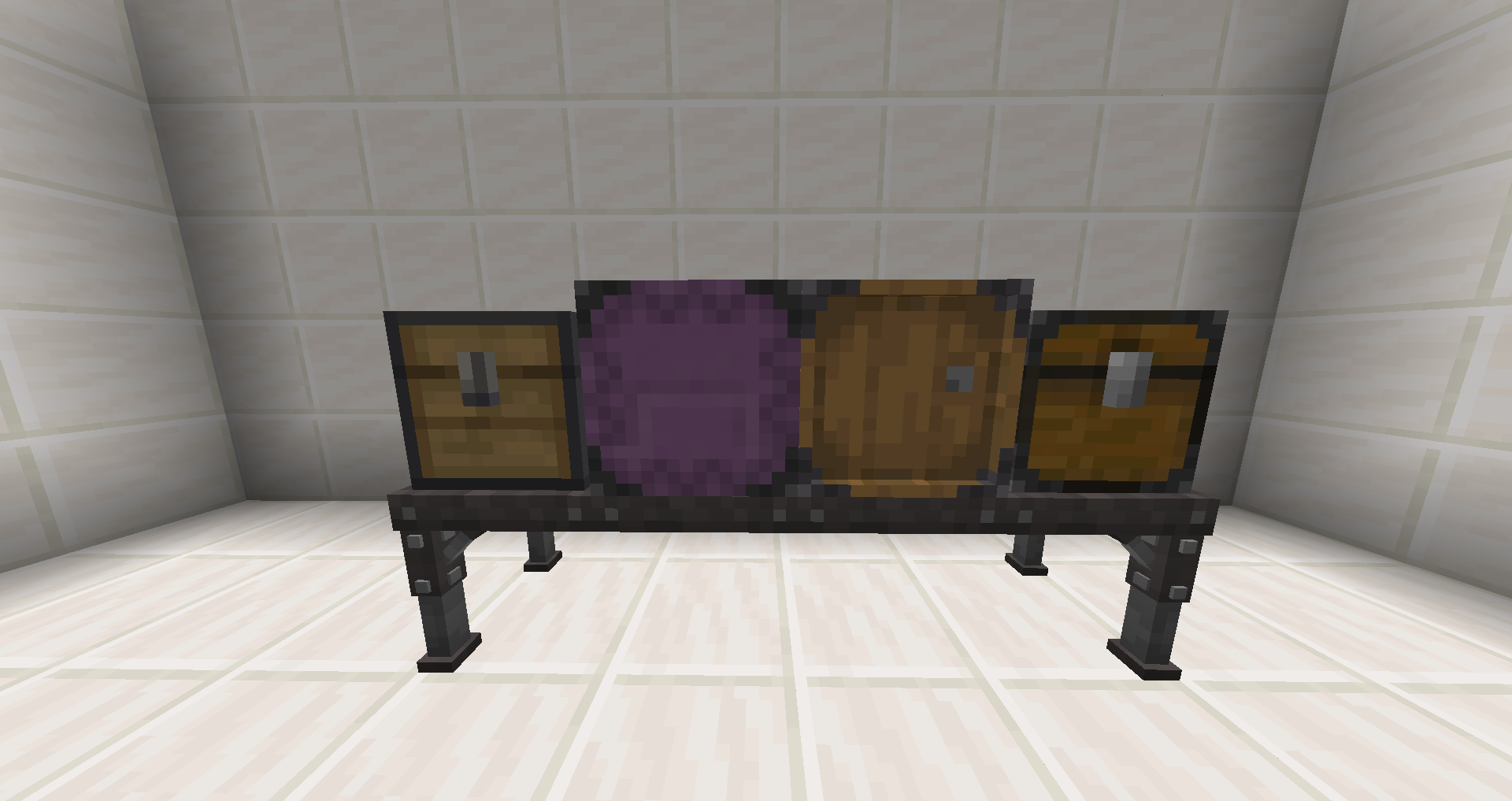
image1

To start creating your shop, place the storage block where you want your shop to be and attach a sign to it.
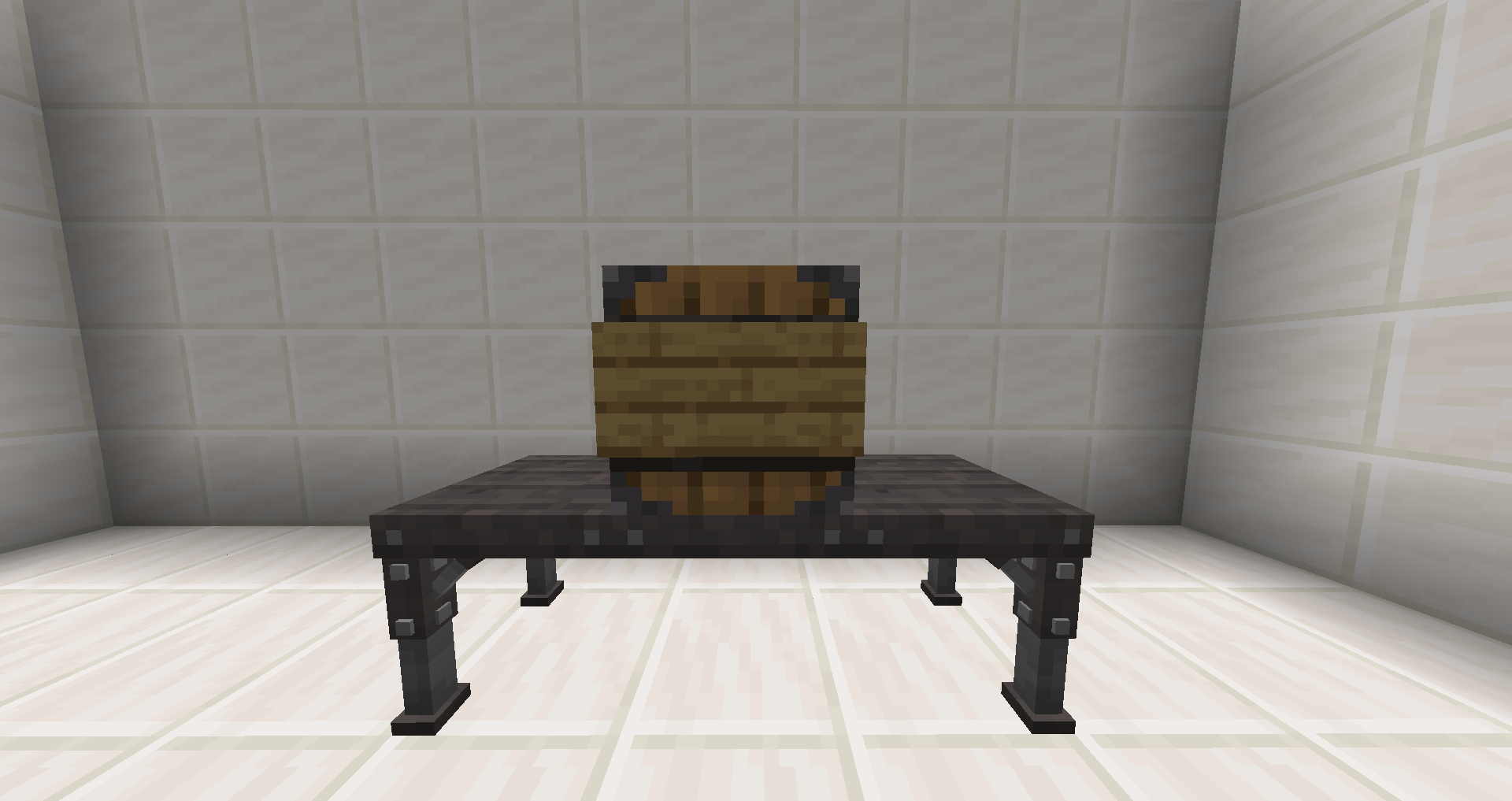
image2

When editing the sign, follow these guidelines:

  • The first line should be either [sell] or [buy], from the customer’s perspective.

    • [sell] means the customer sells items to you, and you pay them.
    • [buy] means the customer pays you to get items from your shop.
  • The second and third lines can include a description or name of the item(s) you are trading.

  • The fourth line should state the price. Use a decimal number without any currency symbols, like $.
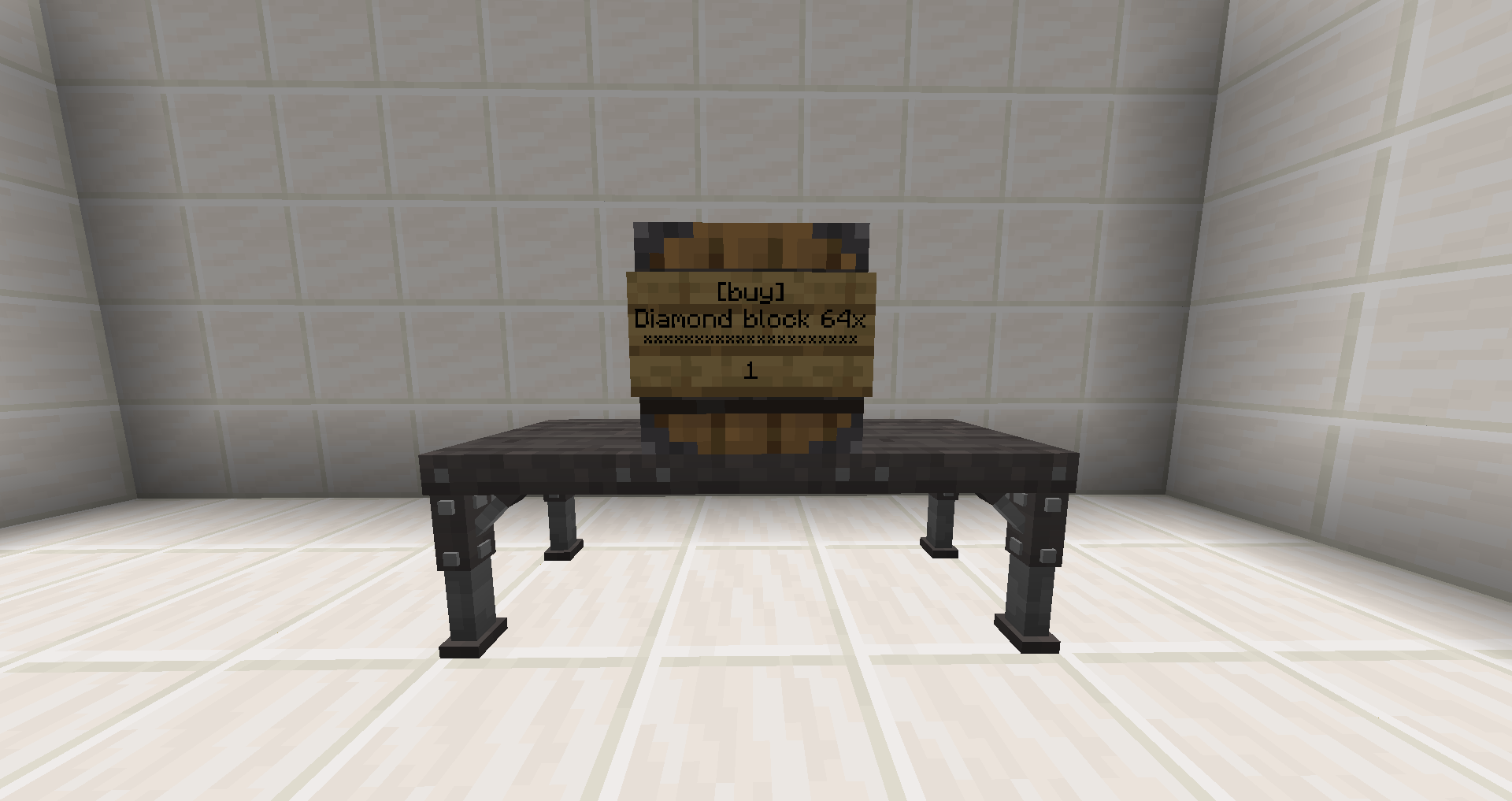
image3

If you wish to input or remove items from your shop using a pipe or hopper, connect it to the storage block now. Once your shop is activated, you can’t place any blocks adjacent to the shop’s storage block.
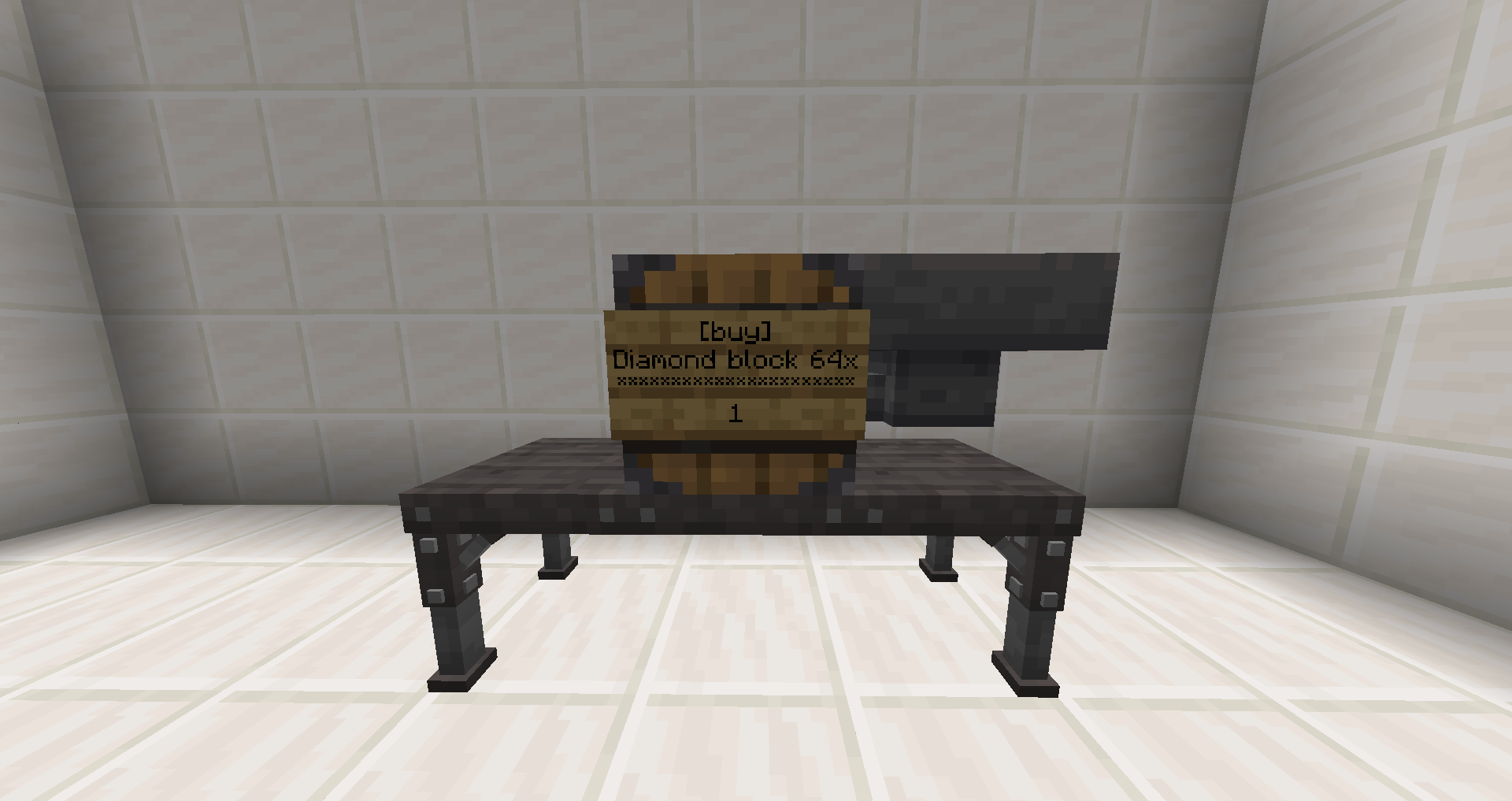
image4

Next, place the specific amount of the item you want to trade in the storage block. For example, if you are selling diamonds in stacks of 64, only place 64 diamonds in it.
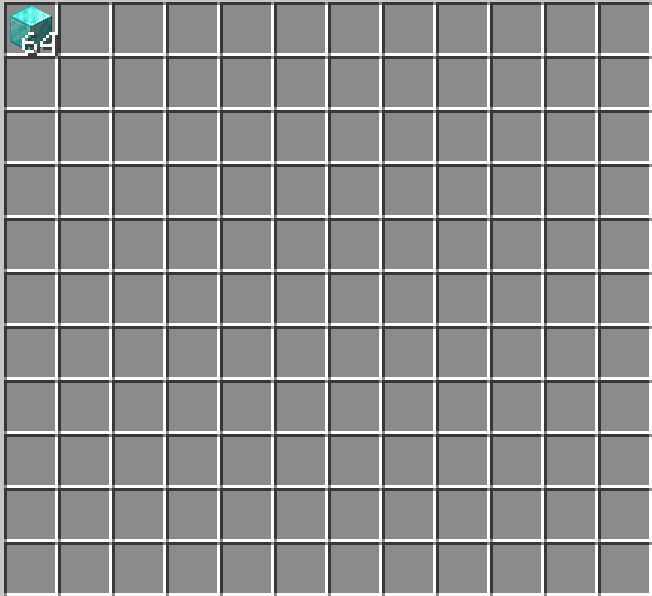
image5

To activate your shop, right-click on the sign you’ve just made. You can then fill the storage block with the trading item. Congratulations, you have successfully created your own shop!

image6

Here are some additional tips:

  • Left-clicking on a shop’s sign will display the traded items and their prices.
  • You cannot break other players’ shop blocks, and they can’t break yours.
  • As mentioned, no blocks can be placed adjacent to activated shops, even if it’s your own.
  • You can remove blocks adjacent to your shop after creating it, but you cannot replace them without deactivating the shop.
  • To dismantle your shop, simply break the sign.

Keep Reading

Related Posts

How to change your prefix

How to change your prefix

Selecting Your Prefix: Command: /prefix select Description: Opens a menu showing all available prefixes. Simply click on your desired prefix...

read more
A Guide to ElementalCraft Optimisation with Entangled Blocks

A Guide to ElementalCraft Optimisation with Entangled Blocks

Time and time again, we find that ElementalCraft pipes are very unoptimised for the server. They consume a lot of us/t for seemingly no reas...

read more
ATM10 - Applied Energistics: Import Bus and Crafting Card Optimization

ATM10 - Applied Energistics: Import Bus and Crafting Card Optimization

Avoid using many Import Buses replace it with Interface If machine offers an option to Auto Export/EjectAnother alternative would be (if mac...

read more
ATM10 - Hostile Neural Networks Optimization

ATM10 - Hostile Neural Networks Optimization

It takes ~33 seconds for a Simulation Chamber to produce one Prediction.It takes ~7 seconds for a Loot Fabricator to turn it into Loot. Whic...

read more
ATM10 - Integrated Dynamics Optimization

ATM10 - Integrated Dynamics Optimization

Integrated Dynamics offers many logic options, but it can become laggy if overused incorrectly. Ways to optimize:Have smaller networks. Incr...

read more
ATM10 - How to use Jetpacks

ATM10 - How to use Jetpacks

Jet Packs are not getting banned, but you have to use them in a certain way that wont cause unnecessary stress on the server. Equipping Jetp...

read more
ATM10 - Pipez: Common Pitfalls

ATM10 - Pipez: Common Pitfalls

Pipez and how to not use themAdding the fastest upgrade on a machine that doesn't need it at all may not seem like 2 µs/t is a lot, but when...

read more
ATM10 - Powah: Ender Gate Optimization

ATM10 - Powah: Ender Gate Optimization

Please avoid using many Ender Gates if machines are all next to each otherIt isn't very well optimized. Using a couple is fine but having 20...

read more
Avoid chunk corruption

Avoid chunk corruption

Introduction: Chunk corruption usually happens when a chunk was unable to be saved properly, the reasons for that can either be pinpointed t...

read more
Lag Friendly Mystical Agriculture Farm

Lag Friendly Mystical Agriculture Farm

Our first YouTube guide on Mystical Agriculture Lily Pad Farms was published this week. We encourage everyone to watch it and consider the a...

read more
ATM: Player Shop Overview

ATM: Player Shop Overview

Here is a quick overview of the ATM Player Shop system, including browsing other player listings, selling your own items, tracking sales, an...

read more
Introducing the Questshop

Introducing the Questshop

We’re introducing something new to the quest system: the Questshop. The idea is simple: do quests → earn coins → spend them in the Questshop...

read more
Terrabite Network ATM9RB 2024-2025 Review

Terrabite Network ATM9RB 2024-2025 Review

2024-2025 Build Showcase: Highlights from All the Mods9RB Community Explore the incredible creations our players have built on the All the M...

read more
Terrabite Network ATM9 2024 Review

Terrabite Network ATM9 2024 Review

2024 Build Showcase: Highlights from All the Mods9 Community Explore the incredible creations our players have built on the All the Mods9 Mi...

read more
Using observable correctly (TPS FIX)

Using observable correctly (TPS FIX)

Introduction: Observable is a tool that allows you to check which blocktiles , entitys and other processes kept the server busy per tick, it...

read more
ATM10 Ranks & Permissions

ATM10 Ranks & Permissions

Welcome to the ATM rank progression guide. Playtime is calculated across all TerraBite servers — no matter which server you play on (ATM or...

read more
ATMONS: Terrabite Features Overview

ATMONS: Terrabite Features Overview

Here’s a quick overview of the main in-game systems on ATMONS: Team Rocket Sell, Professor Oak Trade-In, the Shop, and Cases. Team Rocket Se...

read more